
public beta
public beta

< Swirl />
< WaveDistortion />
<LinearGradient />
shader magic
for modern
frontends
The component library for creative
WebGPU effects in the browser
Try the Editor
Explore presets

shader magic
for modern
frontends
The component library for creative
WebGPU effects in the browser
Try the Editor
Explore presets
Production-ready creative effects
Deploy stunning WebGPU shaders across key UI surfaces.
quickslice.ai
We bake your pizza by burning tokens
Pizza perfection, powered by AI
QuickSlice uses machine learning to optimize every step—from dough to doorstep.
12min
Avg. delivery
4.9★
Customer rating
50k+
Orders delivered
12min
4.9★
74 components
Unlimited creativity, powered by components
Components can be stacked, nested, masked and blended to create endlessly customizable effects.
Guides
Component Docs
Vue
React
Svelte
Solid
1
<Shader>
2
<RadialGradient
3
center={{ x: 0.8, y: 0.2 }} />
4
<SineWave
5
angle={150}
6
color="#fd9800"
7
frequency={0.5}
8
thickness={0.5} />
9
<Dither
10
blendMode="overlay"
11
pixelSize={3} />
12
</Shader>
Trending presets
Explore presets
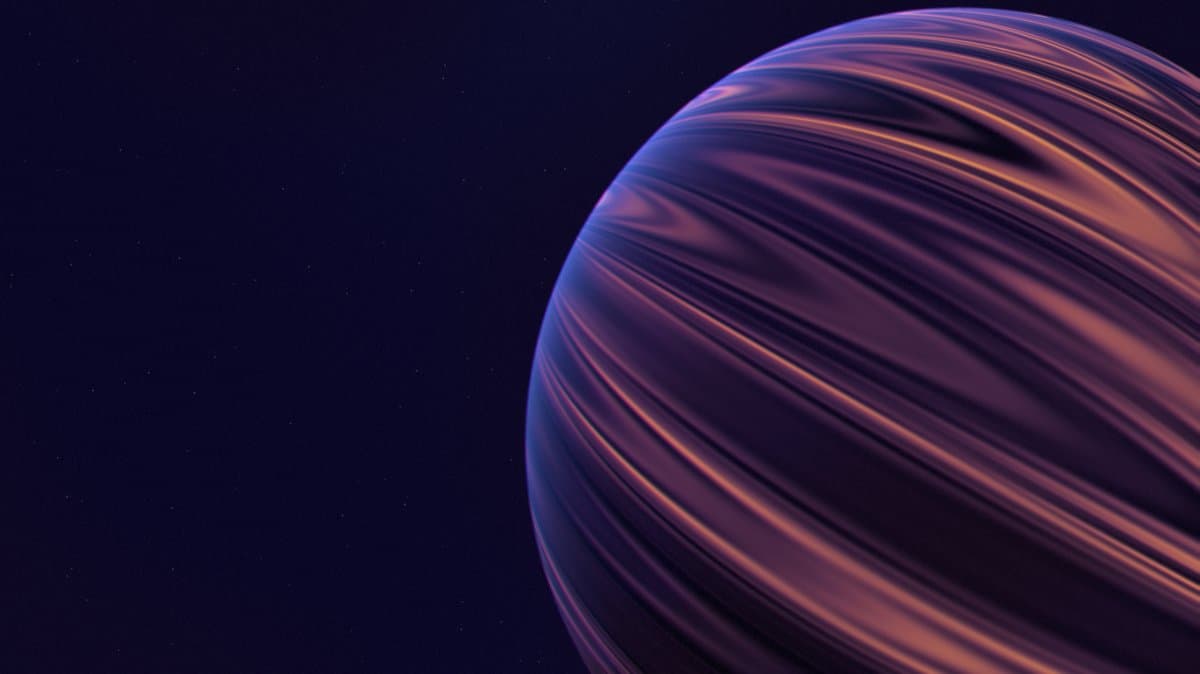
Pro
Saturn
178
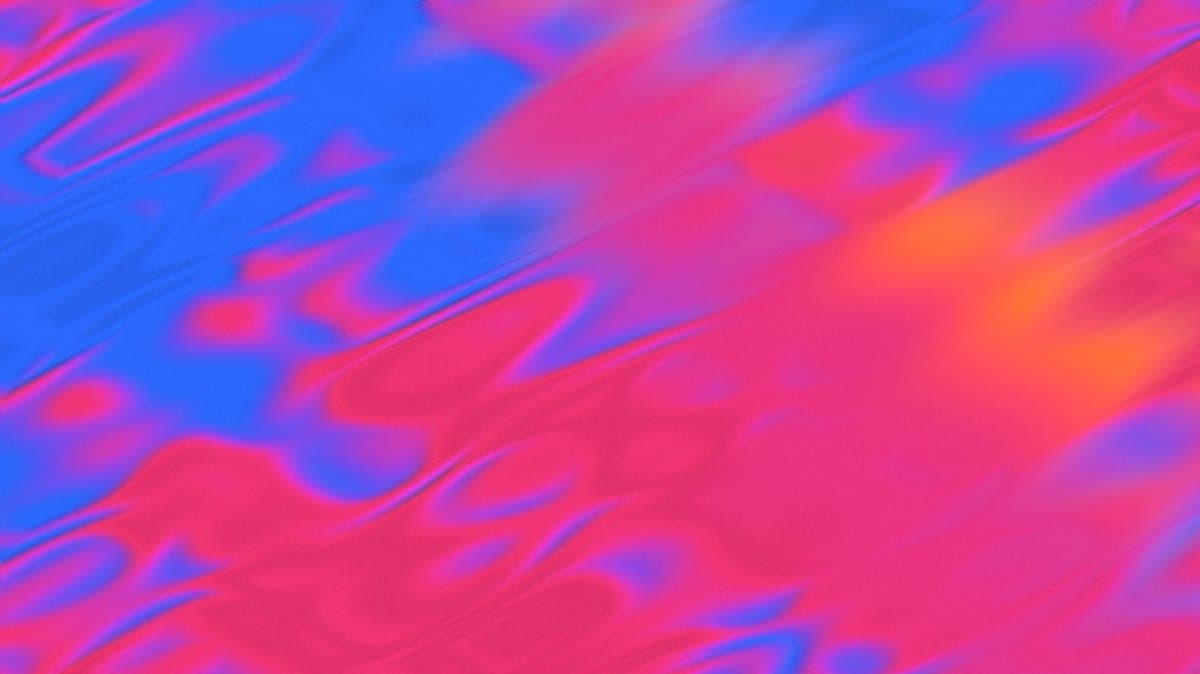
Pro
Paint Flow
115

Pro
Binary Rays
131

Pro
Cloudflare
95

Pro
Glitch Trail
99

Pro
Dot Panels
26

Cosmic Waves
79
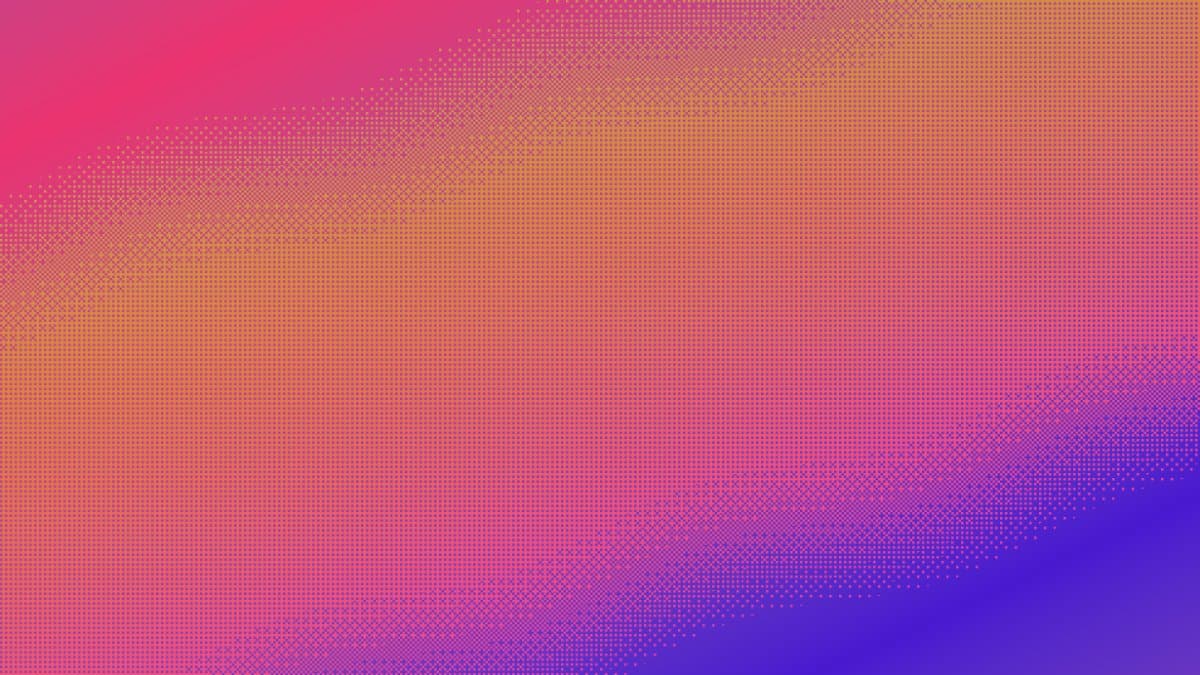
Pro
Dither Wave 4
143
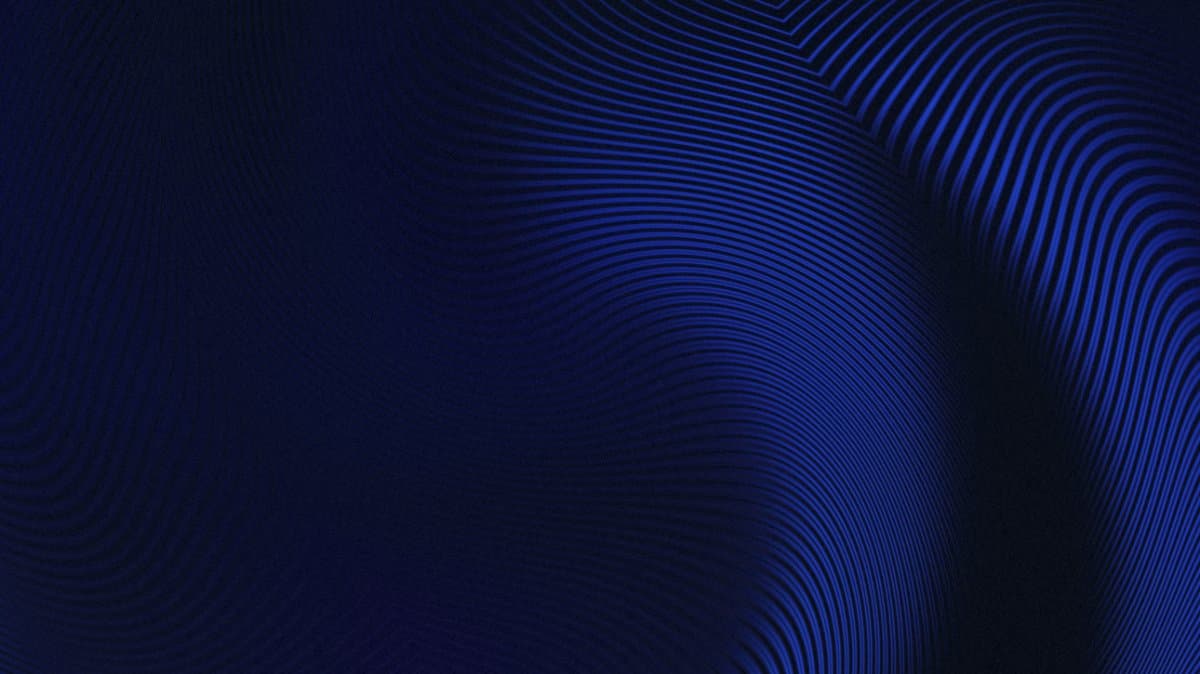
Pro
Deep Signal
15
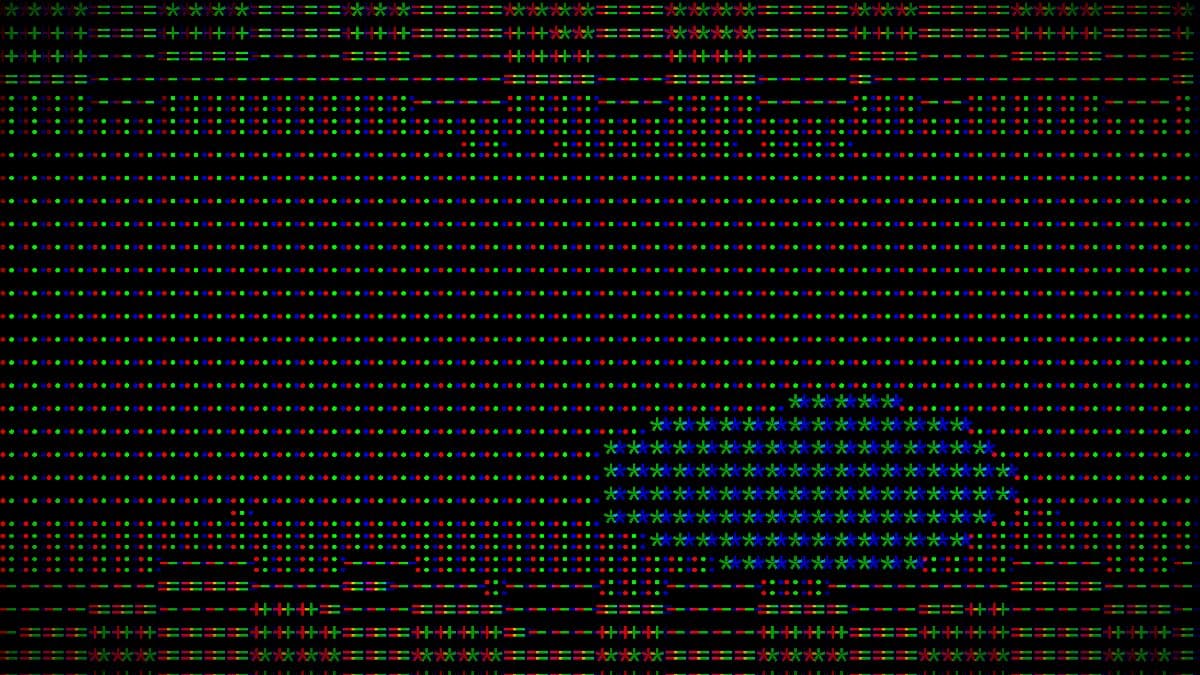
Pro
Bad Signal
76
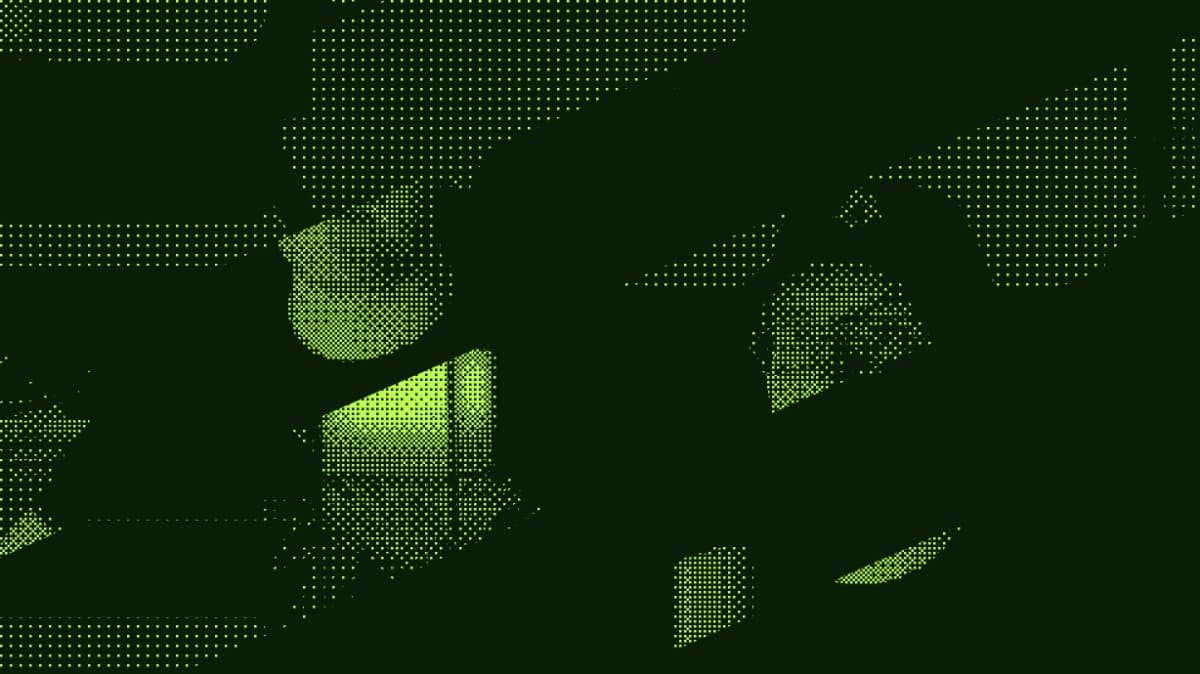
Pro
Dither Cam 1
13
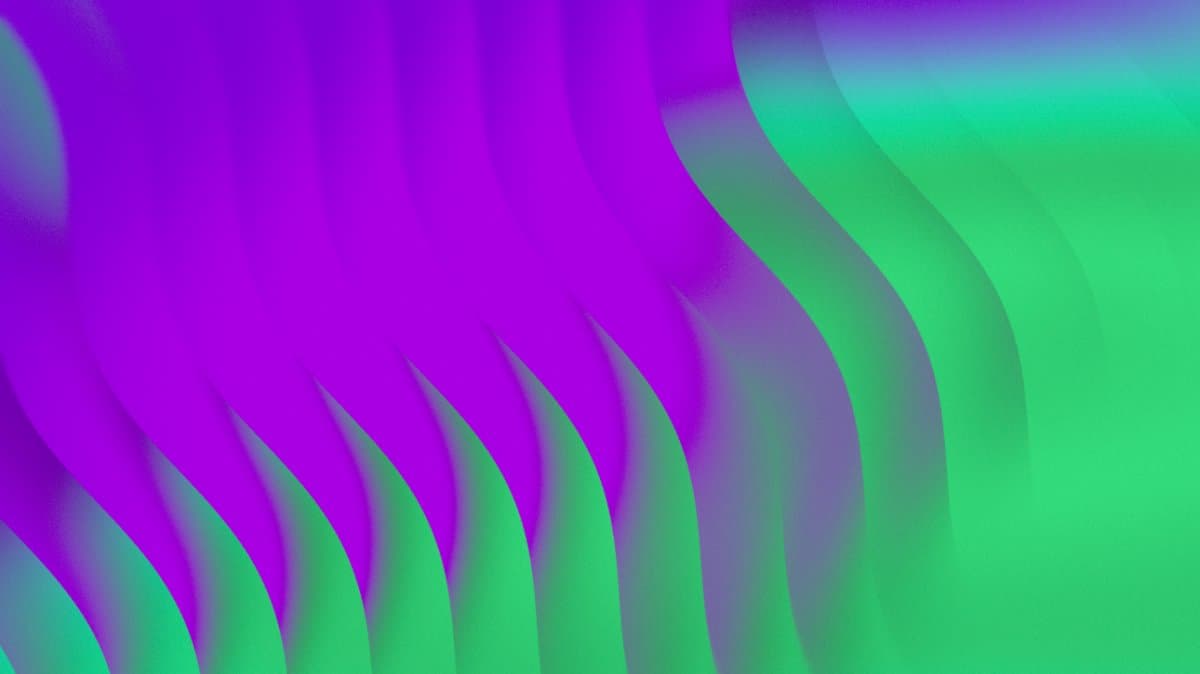
Pro
Vibrant Waves 3
9
Pro
Saturn
178
Pro
Paint Flow
115
Pro
Binary Rays
131
Pro
Cloudflare
95
Pro
Glitch Trail
99
Pro
Dot Panels
26
Explore presets
Trusted by 5k+ design engineers
Hear from those shipping world-class web projects.
Shaders significantly lowers the barrier to creating web shader animations, making it possible to design fancy, interactive visuals in seconds. Highly recommended for all frontend developers and design engineers.

SerKo
Vue Language Tools
When anyone can crank out a decent looking page, shaders is what will take your designs to the next level. This is a fantastic tool to help you turn your creativity into those experiences.

Wes Bos
Syntax
The project is incredibly smooth and easy to work with! 🤌 it's just amazing how, with very little effort, you can add things that have a stunning visual effect!
Hugo Richard
Nuxt / Vercel
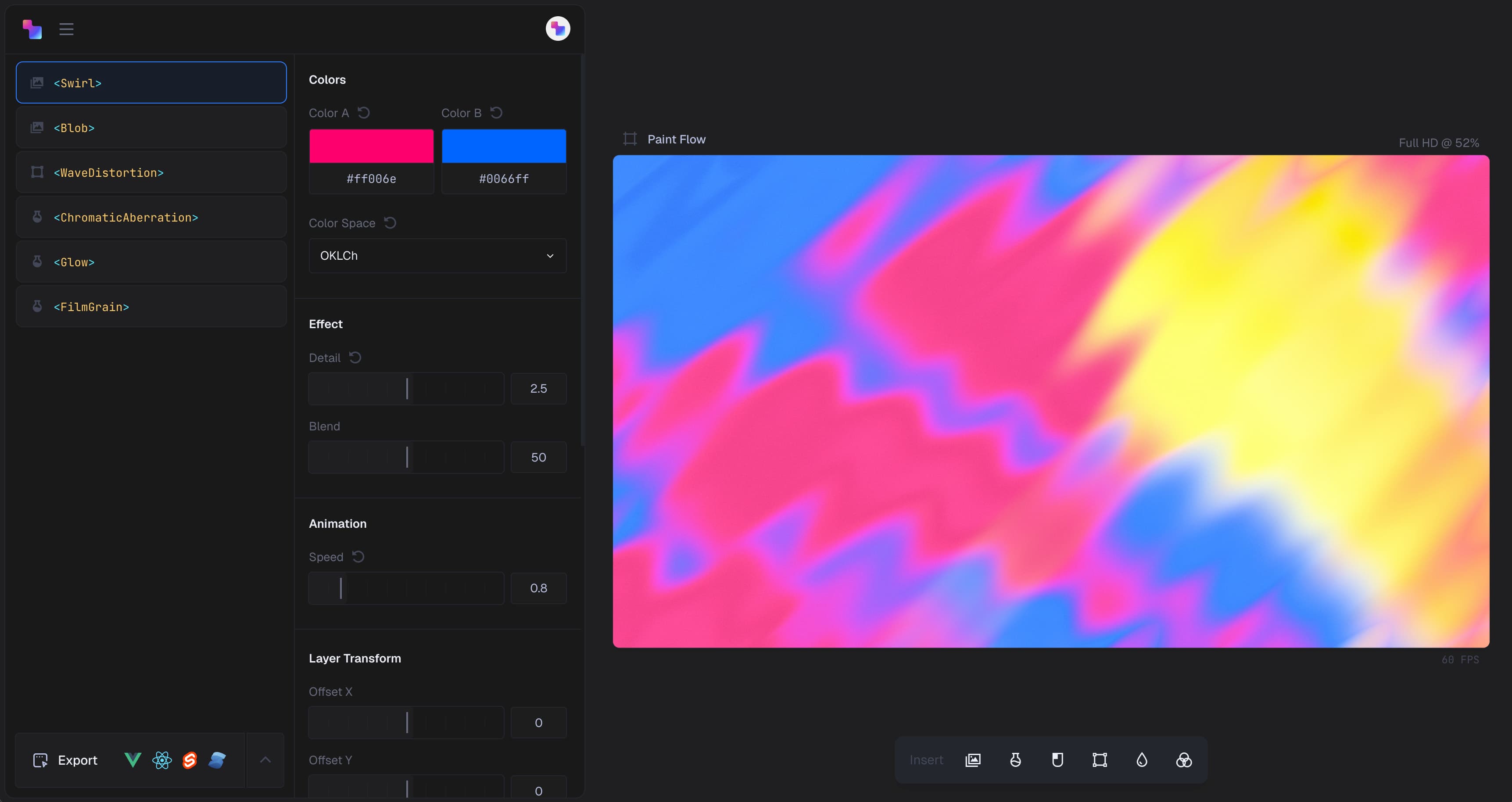
Design visually.
Ship in seconds.
Create effects in the design editor, then export clean, production-ready code for your framework of choice.
Try the Editor
Frequently asked questions
Let's dive into some specifics...
What is Shaders?
Shaders is a component-driven system for building WebGPU-powered visual effects in the frontend. You compose effects like UI components, tweak them visually, and ship real code in your app.
What frameworks does Shaders support?
Vue, React, Svelte, and Solid. Nuxt and Next are supported as long as the Shader component is rendered client-side.
Do I need to know shader programming or GLSL?
No. Shaders is built for frontend developers and design engineers. You work with familiar components and props—no shader math, no low-level graphics code.
Is Shaders free? What does the Pro license include?
Yes, Shaders is free to use in all environments, including production. A one-time Pro license unlocks additional features: code export from the Design Editor, access to all Pro presets, video export, and version history.
Can I use Shaders in production?
Yes, Shaders is free to use in production for all projects. It's advised during beta to briefly check new versions as they release to ensure they don't include breaking changes for your specific component usage.
How do I install and use Shaders?
Shaders is an npm package. Install it with `npm i shaders`, import the components into your app, and compose effects directly in your code.
What do I actually export from the editor?
You export a framework-native component that mirrors what you designed—using the same Shaders components and props—ready to drop into your codebase.
Are the effects animated or interactive?
Some effects include built-in motion or interaction, and all components support fully reactive props—so you can drive them with scroll, pointer, time, or animation libraries.
Can I use my own media in my shaders?
Yes, you can use images, video, and even live webcam input as textures, making it easy to build masked logos, hero backgrounds, and interactive UI elements.
Does Shaders use WebGPU or WebGL?
Shaders is WebGPU-first with a WebGL2 fallback, so it runs across modern browsers while taking advantage of newer GPU APIs where available (which is almost everywhere).
Is there documentation available?
Yes. Shaders includes step-by-step guides as well as a full component reference to help you go from first install to advanced compositions.
Is there a community or place to get help?
Yes. Shaders has an active Discord community where you can ask questions, share work, and get help directly
Get started
Start shipping magic to your frontend in minutes
Join thousands of design engineers shipping stunning WebGPU effects. Available for Vue, React, Svelte & Solid.
Try the Editor
Explore presets
Documentation
Presets
Pricing
Privacy
Terms
License
© 2026 Shader Effects Inc. All rights reserved.